Moving hosts without downtime: the checklist
Changing WordPress hosting is mostly about order. Do the steps in the right sequence and visitors, search engines and your inbox never notice. Do them out of order and you lose email for a day. Here is the checklist used on client migrations. It works whether you are leaving cheap shared hosting, moving to managed WordPress hosting or bringing a site onto your own server.
Signs it is time to change WordPress hosting
- Time to First Byte over 600 ms, even with caching on.
- Regular downtime or “resource limit reached” errors.
- Old PHP versions or features your host will not update.
- Support that takes days to answer during an outage.
- Renewal prices far above what you first paid.
Before you change WordPress hosting
- Take a full backup of files and database, and download it.
- Write down your current DNS records, especially MX records for email.
- Lower the DNS TTL to 300 seconds a day before the move, so the switch spreads fast.
Choosing the new host
Pick hosting on what matters for WordPress: recent PHP, server-level caching, daily backups you can restore yourself, free SSL and a data centre close to your customers. Managed WordPress hosting costs more but handles updates and security for you. A VPS with cPanel or another control panel gives more control, as long as someone is looking after it.
How to migrate a WordPress site: copy, then test privately
Copy the files and database to the new server and test it before any visitor can reach it, by pointing only your own computer at it with a hosts file entry. Check forms, checkout, logins and images. Migration plugins work for small sites. To migrate a WordPress site that is large or takes orders, copying files over SSH and moving the database with a direct export is faster and less likely to time out. If the domain or folder changes, run a search and replace on the database so links and images point to the right place.
Switch DNS, keep the old server running
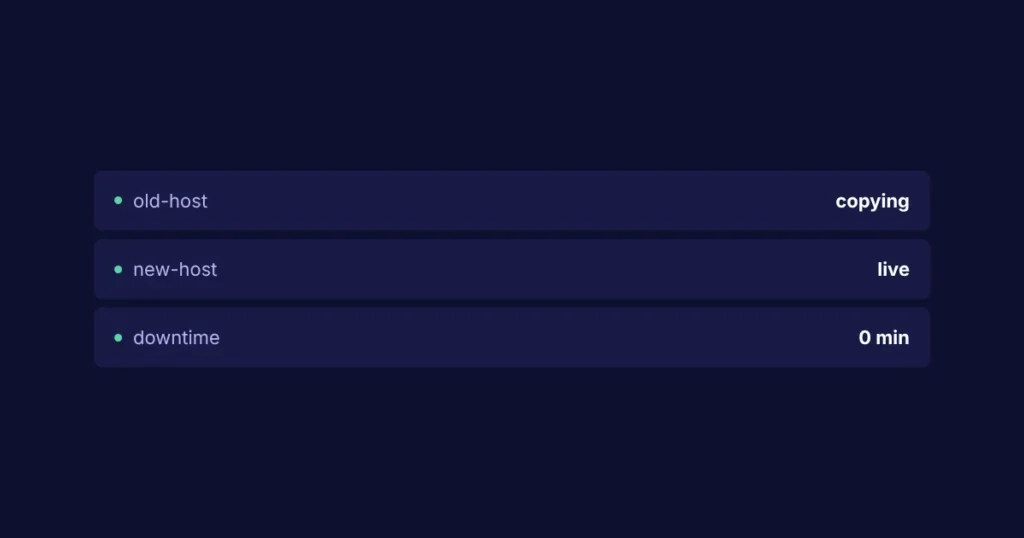
Point the domain at the new server. For the next 48 hours some visitors still reach the old one, so freeze content changes and keep the old hosting active until traffic there drops to zero. For online stores, switch the shop to maintenance mode for the few minutes of the final database sync, so no order lands on the old server after you copied it.
Email is the step most people miss. If email is hosted with the old provider, copy the MX records exactly or move mailboxes first.
You can watch the change spread around the world with a free tool like whatsmydns.net. When every location shows the new server’s address, the switch is complete. WordPress also has an official guide to moving WordPress if you want the technical background.
Common migration mistakes
- Forgetting email. The website moves, the MX records do not, and messages bounce for a day.
- Copying a live store mid-order. Orders placed between the copy and the switch are lost.
- Hard-coded links. Old URLs inside page builders and widgets still point at the old server or a temporary address.
- No SSL on day one. Visitors see a security warning and leave before the certificate is issued.
- Cancelling too early. The old hosting is gone before anyone notices a missing file or mailbox.
How long a WordPress migration takes
A small brochure site can move in an hour or two of work. A busy store or a site with years of uploads takes longer, mostly in copying files and testing. DNS changes take anywhere from a few minutes to 48 hours to reach everyone, which is why the old server stays on. Plan the switch for your quietest time of the week, and you will rarely see a single complaint.
After the move to new WordPress hosting
- Issue the SSL certificate on the new server and force HTTPS.
- Re-test forms and transactional emails.
- Set up daily off-site backups and uptime monitoring on the new host.
- Cancel the old hosting only after a full week without issues.
Done carefully, a zero downtime migration is routine. If your site takes payments or bookings, it is worth having a developer handle it, because a missed step costs real orders. Migrations are part of the hosting and DevOps service, or ask for a fixed quote. If speed is the reason you are moving, try these seven speed fixes first: the cause may not be the host.